Is Your Website Costing You Holiday Sales? 3 Red Flags to Fix Before 2026
Discover the three biggest website problems that could be driving away your holiday customers—slow loading, poor mobile experience, and broken contact forms—and how to fix them fast.
Look, I get it. It's mid-December. The prawns are ordered, the sun is properly beating down, and you're probably more worried about whether the backyard cricket pitch is level than you are about your website's bounce rate.
But here's the thing: while we're all looking forward to a bit of a break, your customers are still out there. They're scrolling on their phones while waiting in the checkout line at Woolies or cooling off under the AC. If they land on your site and it's a bit of a shocker, they aren't going to hang around. They'll be off to the next bloke before you can say "Pass the Pav."
If you want to finish the year strong and set yourself up for a cracking 2026, you need to make sure your site isn't accidentally pushing customers away.
Here are three red flags that mean your website is costing you money right now.
1. The "Slow as a Wet Week" Loading Time
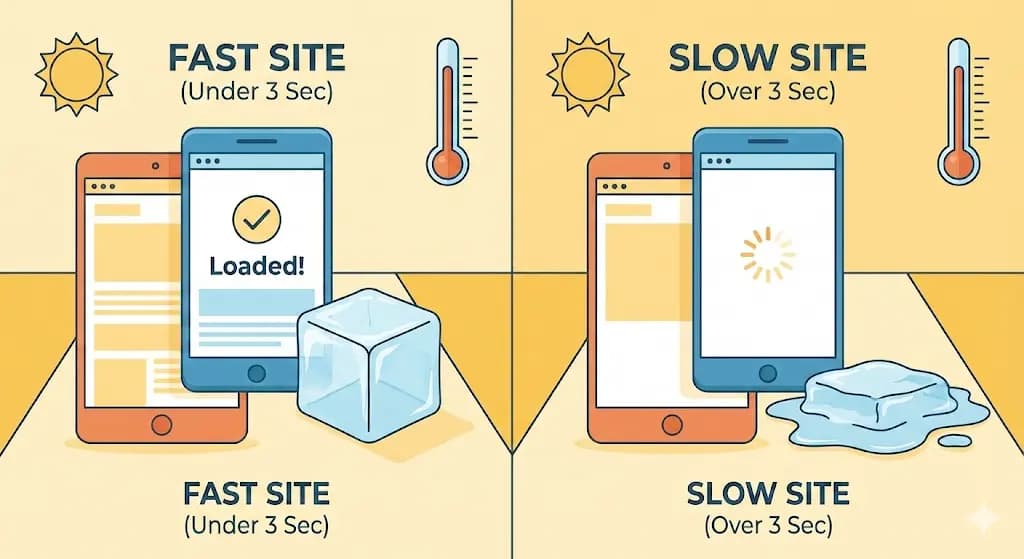
We've all been there. You click a link, and you're met with a blank white screen. You wait... and wait. In Aussie summer terms, if your site takes longer to load than it takes for an ice block to melt on the driveway, you've got a problem.
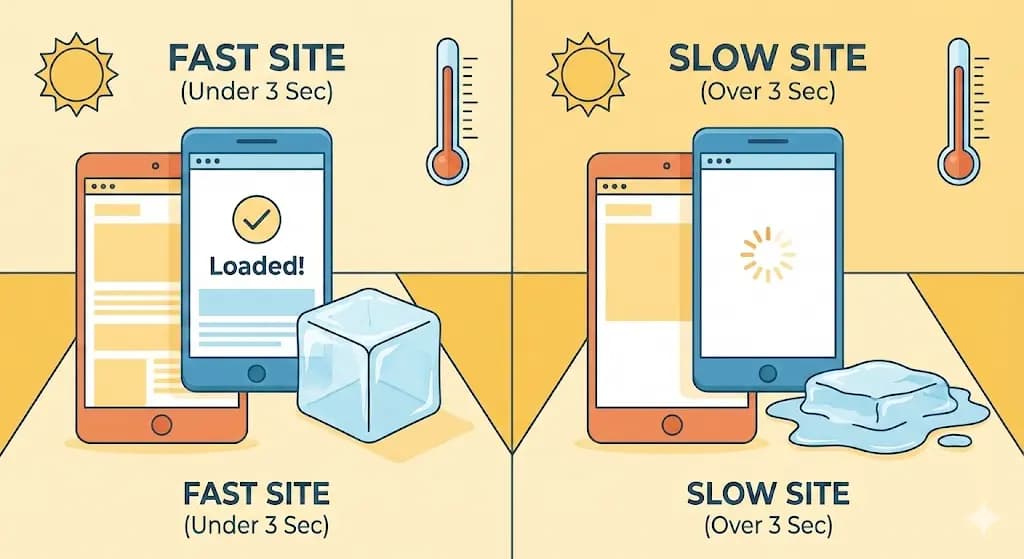
Most folks will give a site about three seconds before they bail. If your images are too big or your hosting is struggling, you're basically closing the shop door before the customer even gets inside.
Use our PageSpeed Checker to test your site right now. Takes 30 seconds and tells you exactly what's slowing you down.
2. The "Fat-Thumb" Mobile Nightmare
Most of your customers aren't sitting at a desk; they're on their phones. If they have to pinch, zoom, and squint just to read your services—or worse, if the "Buy Now" button is so small you'd need a needle to click it—they're going to give up.
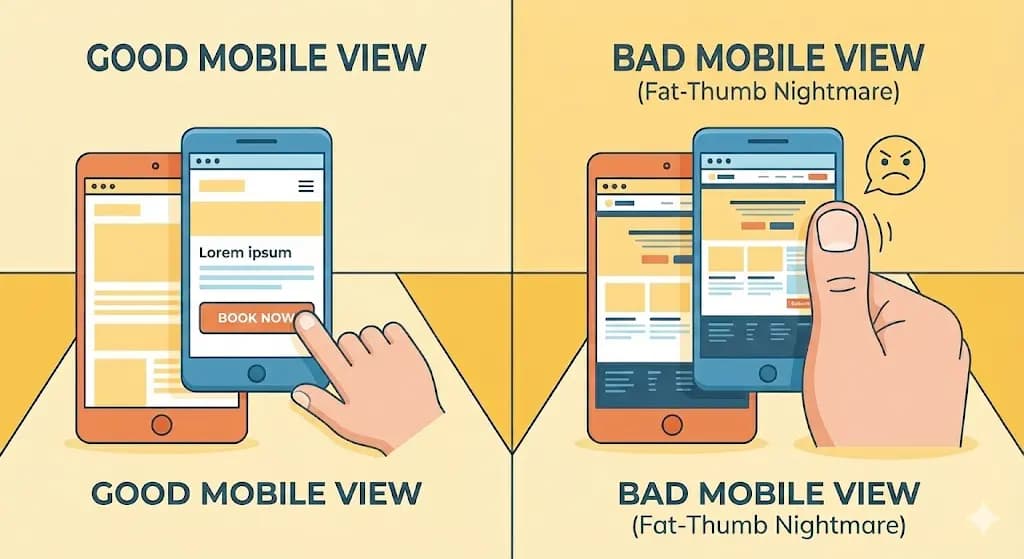
A site that doesn't work perfectly on mobile isn't just annoying; it looks unprofessional. It tells the customer that you haven't really bothered to make things easy for them.
Grab your phone right now and try to use your own website. Can you tap buttons without zooming? Can you read the text without squinting? If not, your customers are having the same frustrating experience.
The mobile checklist:
- Buttons big enough to tap with a thumb (not a stylus)
- Text readable without zooming in
- No horizontal scrolling required
- Forms that are easy to fill in on a small screen
3. The Broken "Front Gate" (Contact Forms)
This is the big one. I've seen sites that look brilliant, but when you actually try to send an enquiry or book a job, the form just... spins. Or it throws an error.
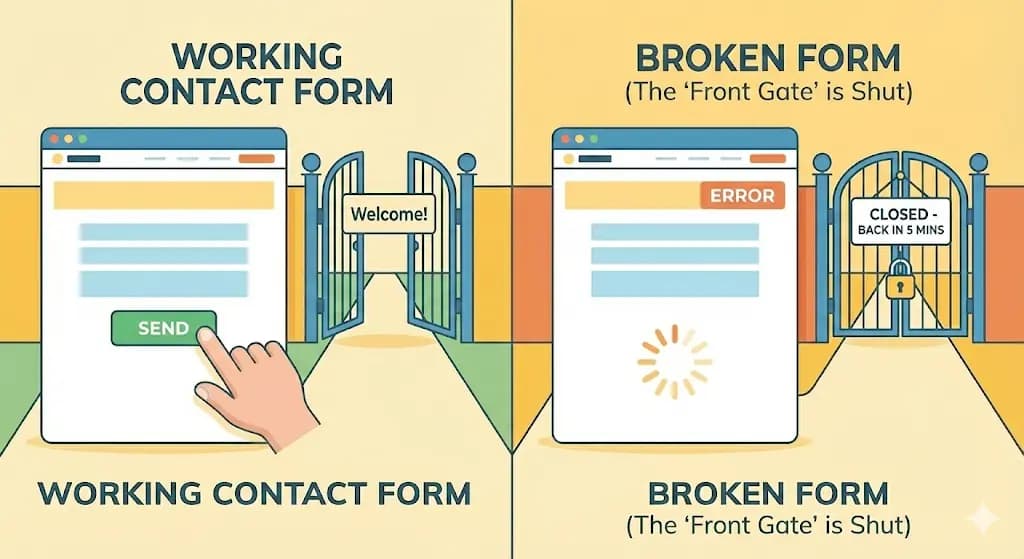
That's like having a "Back in 5 Minutes" sign on your door that stays there for three days. If your contact forms or checkout process aren't 100% reliable, you aren't just losing a sale; you're losing a lead that you worked hard (and probably paid) to get.
When was the last time you actually tested your own contact form? Send yourself a test enquiry right now. If it doesn't arrive, you've been missing leads.
Let's Get it Sorted for the New Year
If you've just checked your site and realised it's a bit more "fixer-upper" than "flagship store," don't panic. You haven't missed the boat yet.
You might think a new website is a three-month project that'll drag on into Easter, but I do things a bit differently. I reckon you shouldn't have to wait months to start seeing results.
Website in a Week
With my Website in a Week offer, we can take your current "bit of a worry" site and turn it into a high-performing, professional machine in just seven days. You could literally have a brand-new presence live and pulling in leads before the first week of January is out.
Want to start 2026 with a win? If you're an Ipswich local and ready to stop leaving money on the table, let's have a chat. Or start by checking your site with our free PageSpeed Checker and Image Optimiser tools.

Tunoa Johnson
